

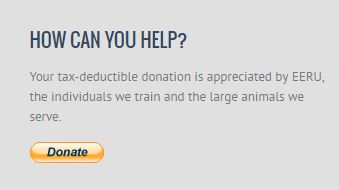
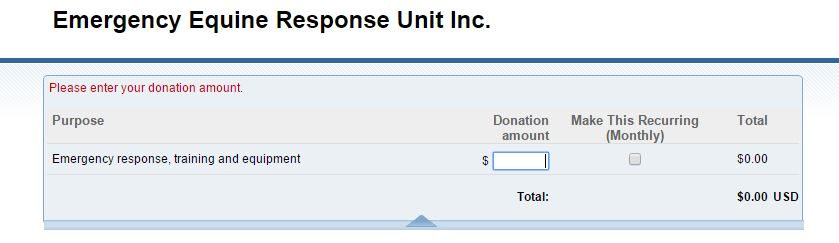
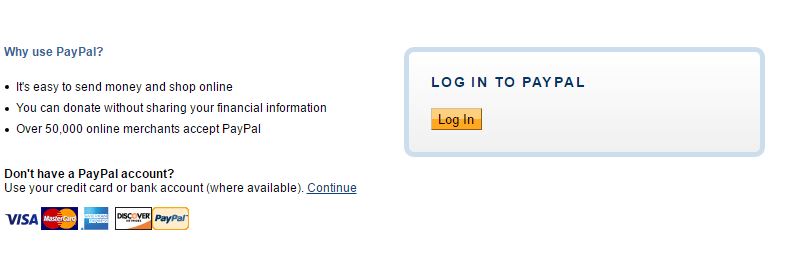
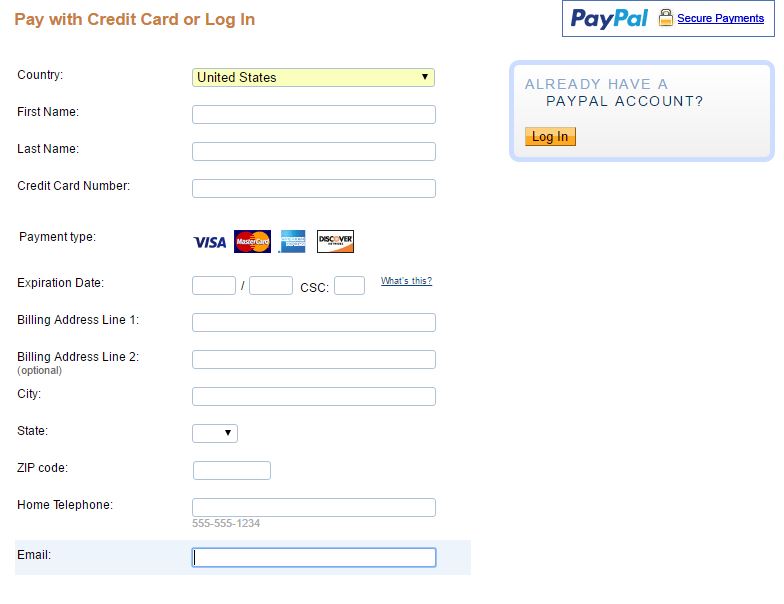
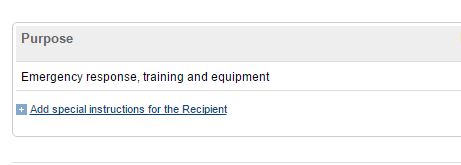
Registering online using the EERU Donate button is quick and easy! Click on the PayPal Donate button on the Home page in the lower left corner. Fill in the training amount in the donation check area, and either log in to PayPal or click the link to the lower left of the Paypal log in box that allows you to use your credit card. Complete your personal and payment information, and click continue at the bottom of the page to reach your final review of the information before the payment is sent. As you review the information, you will see a Special Instruction line to input the title and location of the class you are attending. Once that information is added, you are ready to submit the payment! When the payment is sent, EERU is notified electronically of your registration and your information is added to the class list for follow up detailed class information. If you have any problems at all while making a payment, please email EERU so we can offer assistance. Note: Your information will never be shared, sold, or used for any other purposes than that specific class registration.
To register and pay online:
1. Click “Donate” button
2. Fill in training amount
3. Log into Paypal or choose to use your Credit Card
4. Complete information and hit Review and Continue button at bottom of page
5. Confirm information and add class name in the Special Instruction area. You can also add names of additional participants if registering more than one person or people other than the credit card holder.
6. Complete payment! You are done and registered!